Building a fun AR filter in an hour
How I built and published a face-paint AR filter in under an hour with Facebook's AR Studio in 2018: texture, testing, icon and publishing.
First published on Medium in April 2018. The original text is kept as written, with spelling fixed. Images credited to other sites are linked rather than copied.
2026What happened next
The tool in this post is gone. Facebook's AR Studio became Spark AR, then Meta Spark, and Meta shut the platform down in January 2025, taking third-party effects off Facebook and Instagram with it. The idea held up better than the tool: the same hour-long workflow (design a texture, map it to a face mesh, test it, publish it) is how creators build lenses in Snap's Lens Studio today. What I said about discovery was the real story: making a filter got easy long before finding one did.
The original post · April 2018
This post outlines how you can create an advanced face lens/filter using Facebook's new AR Studio in less than an hour.
Previously face recognition and Augmented Reality (AR) apps would take developers months if not longer to build. Now with the advancement of tools by Facebook (AR Studio) and Snapchat (Lens Studio) building these fun face filters is super easy and most importantly very accessible to creatives and marketing teams looking to take advantage of this new technology.
Getting Started
First of all, you need to download the AR Studio from Facebook. It is currently only available to Mac users. Facebook opened up the AR Studio to all developers and creatives in December 2017.
Face Mesh Tutorial
The AR Studio team have made some fantastic tutorials and I have adapted the sharpie mustache tutorial to show you how easy the complete experience is. If you're keen to build more advanced experiences I really recommend reading all the documentation Facebook has put together.
Building Your Own Texture
Once you are all installed, setup and have watched the short getting started tutorial you need to build your own texture. I'm a massive Golden State Warriors fan and therefore decided to make a face-paint filter. I can extend this further with more advanced effects and graphics over time but to get something done in the hour I stuck to basic blue and yellow stripes.
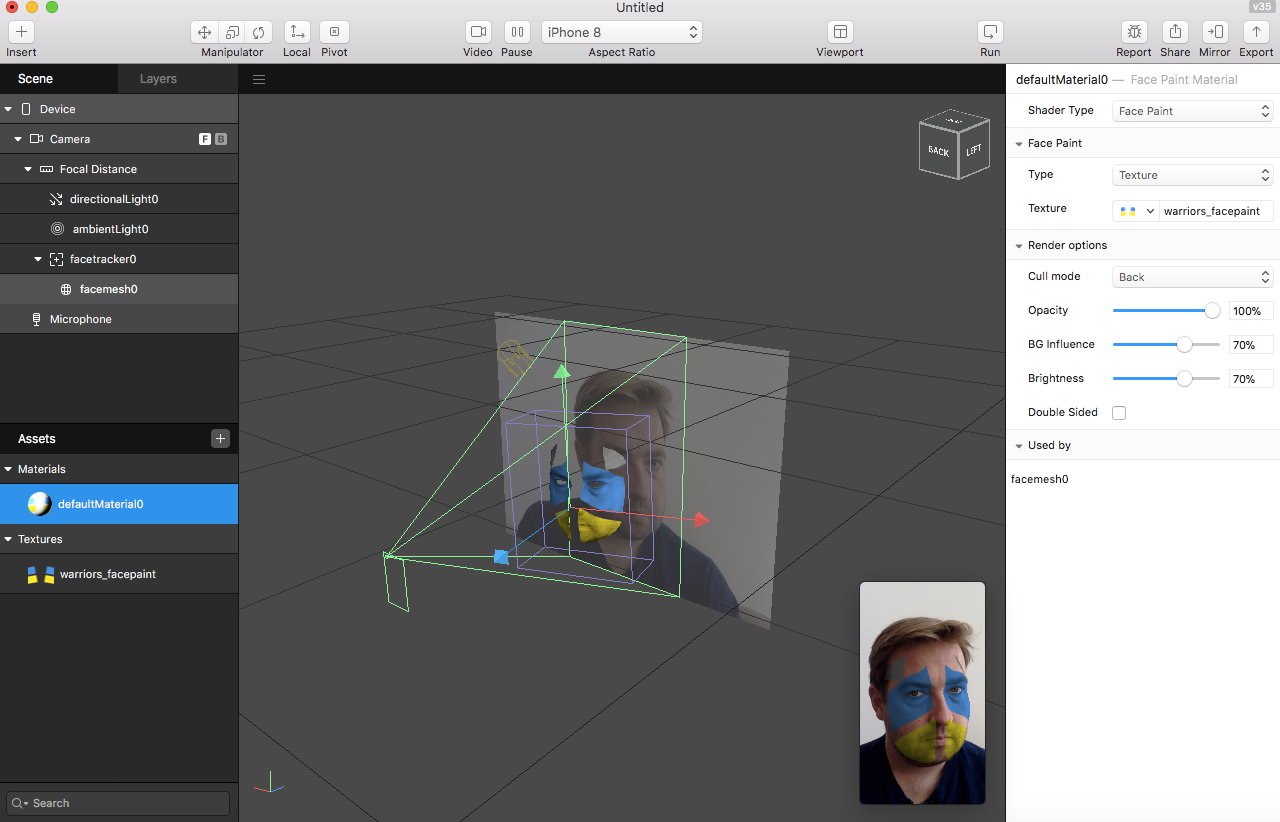
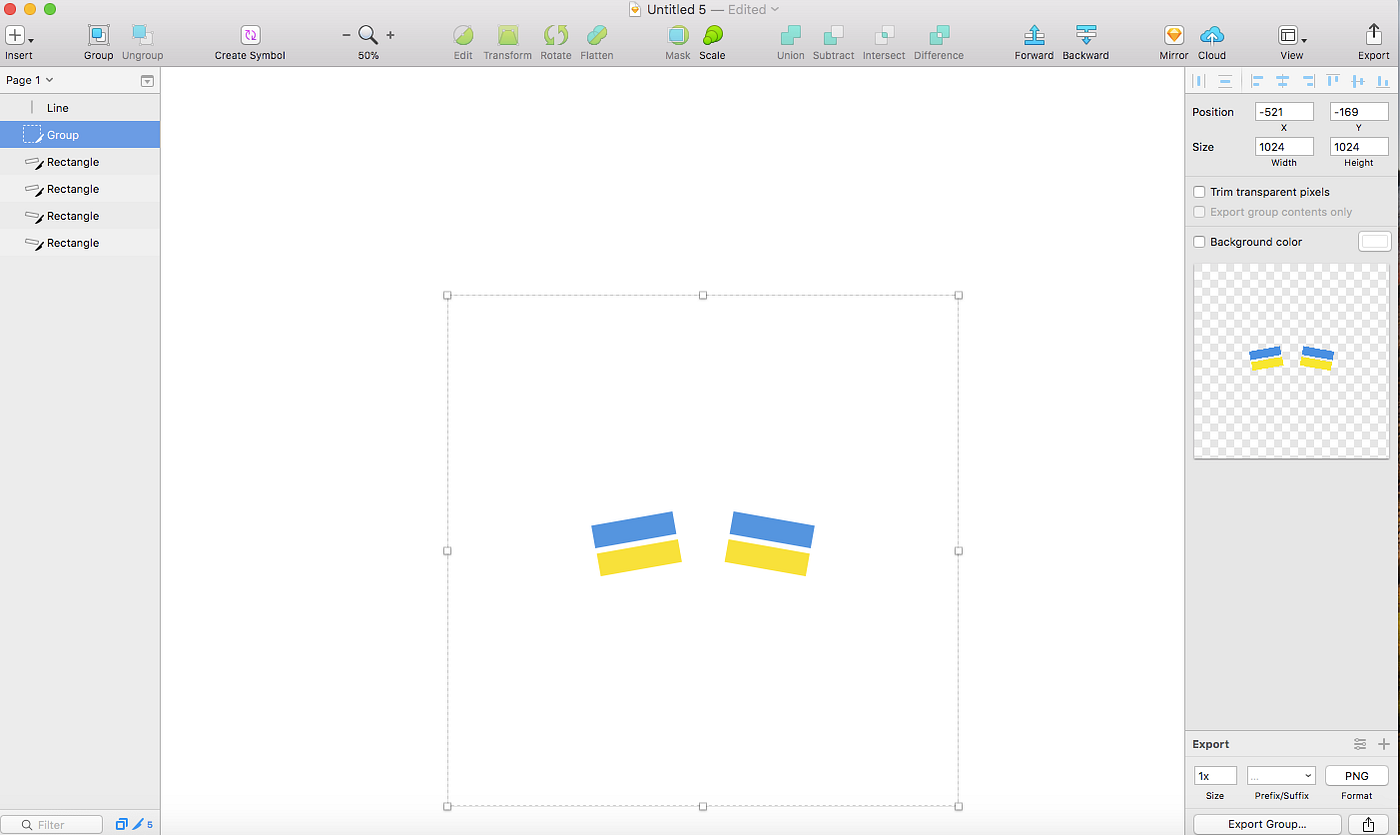
I used Sketch to build the texture file. As you can see above, getting the dimensions, file size and layout of the stripes wasn't easy and took some trial and error. The final file size that worked well was a 1024 x 1024 png file I exported from Sketch as seen below.
Publishing
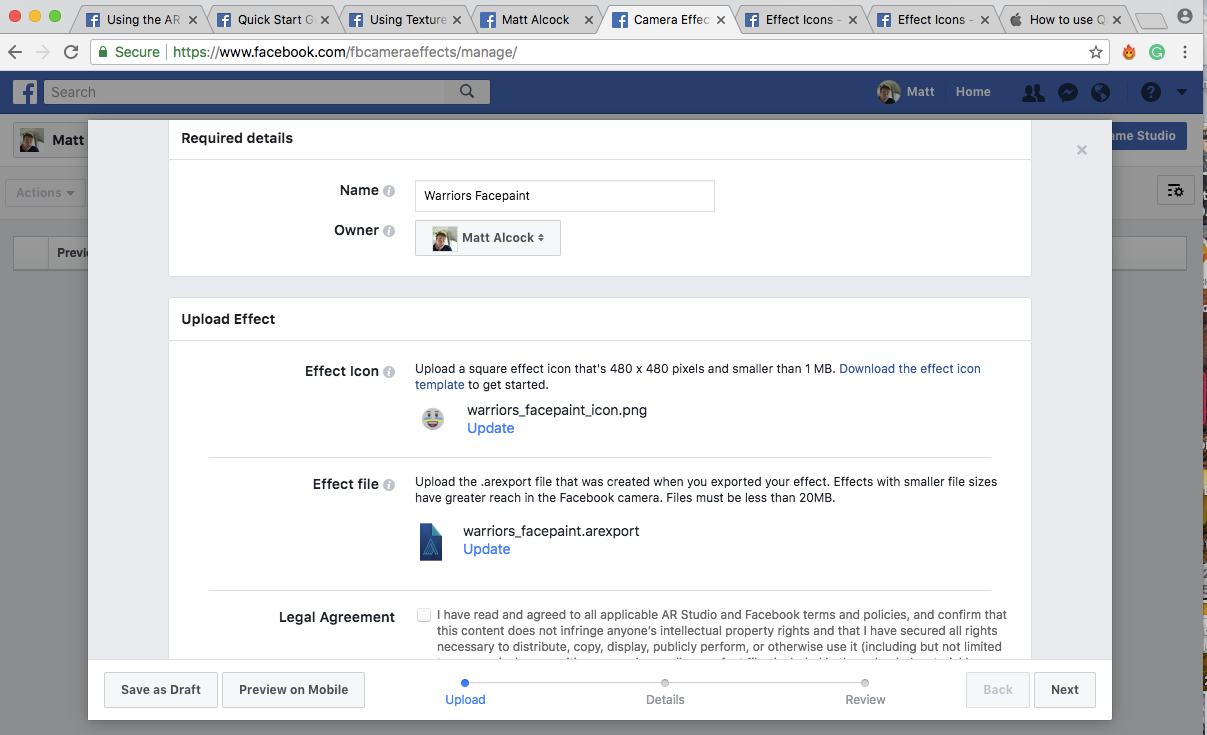
Once complete you can publish your AR filter using the new Facebook camera effects manager. This helps you with targeting the filter and managing any geofence you want to use.
You need to provide the following when submitting the lens.
- The exported AR Studio file
- A name, owner and description of your new lens/filter.
- A video capture of you using the filter.
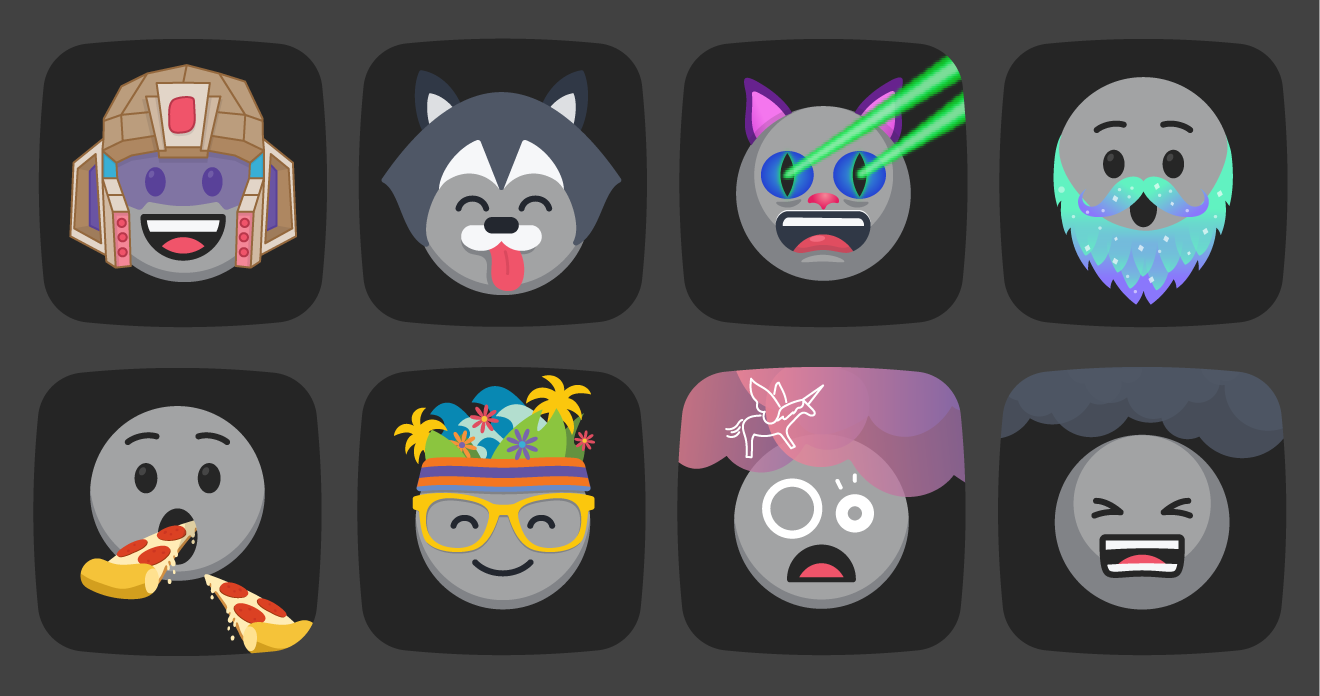
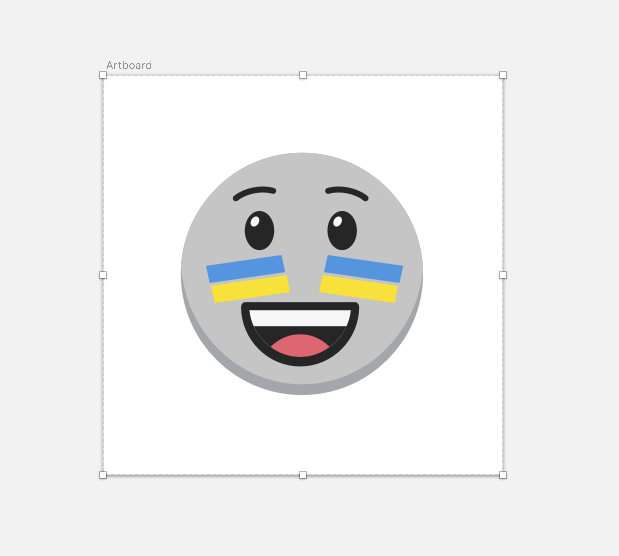
- An icon for the new effect.
Complete Face Filter
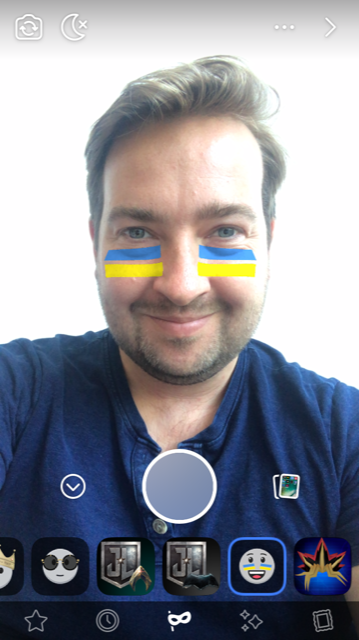
Once approved you can find the lens using the Facebook camera on mobile. My new filter was all the way to the right of a very long list of filters.
Filter discovery is still an issue but it was amazing to see it there so quickly. Maybe 15 minutes after publishing. See the filter icon on the bottom shelf and it in use on my iPhone below.
Note, I could not find a way to load these filters into Facebook instant messenger, Instagram, WhatsApp or Facebook Live. I believe they are currently tightly controlling the filters added to these platforms.
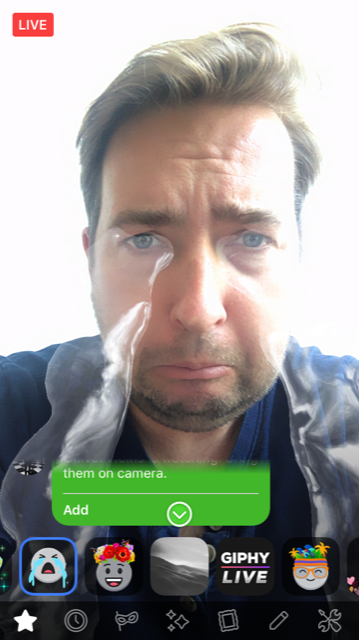
There are some filters available on Facebook Live but not all of them. Maybe the publishing process for Live is more advanced or takes time to propagate.
Conclusion
It is amazing how fast, easy and effective it was to generate an AR experience using this toolchain. No coding was required and I can see it being something that creatives would love to use. Facebook and Snapchat are thinking about content creators first with these new tools and that's fantastic to see. As more content hits these platforms, more AR experiences will be built generating a virtuous cycle that can only promote more AR research and exposure.